.png)
Roadster- Installing the new Roadster controller V2Updated 4 months ago
Step-by-Step Setup with Images
When setting up your EMOVE Roadster, your package should include:
Front Controller x1 (labeled Front-wheel drive)
Rear Controller x1 (labeled Rear-wheel drive)
Y-Splitter Cable x1
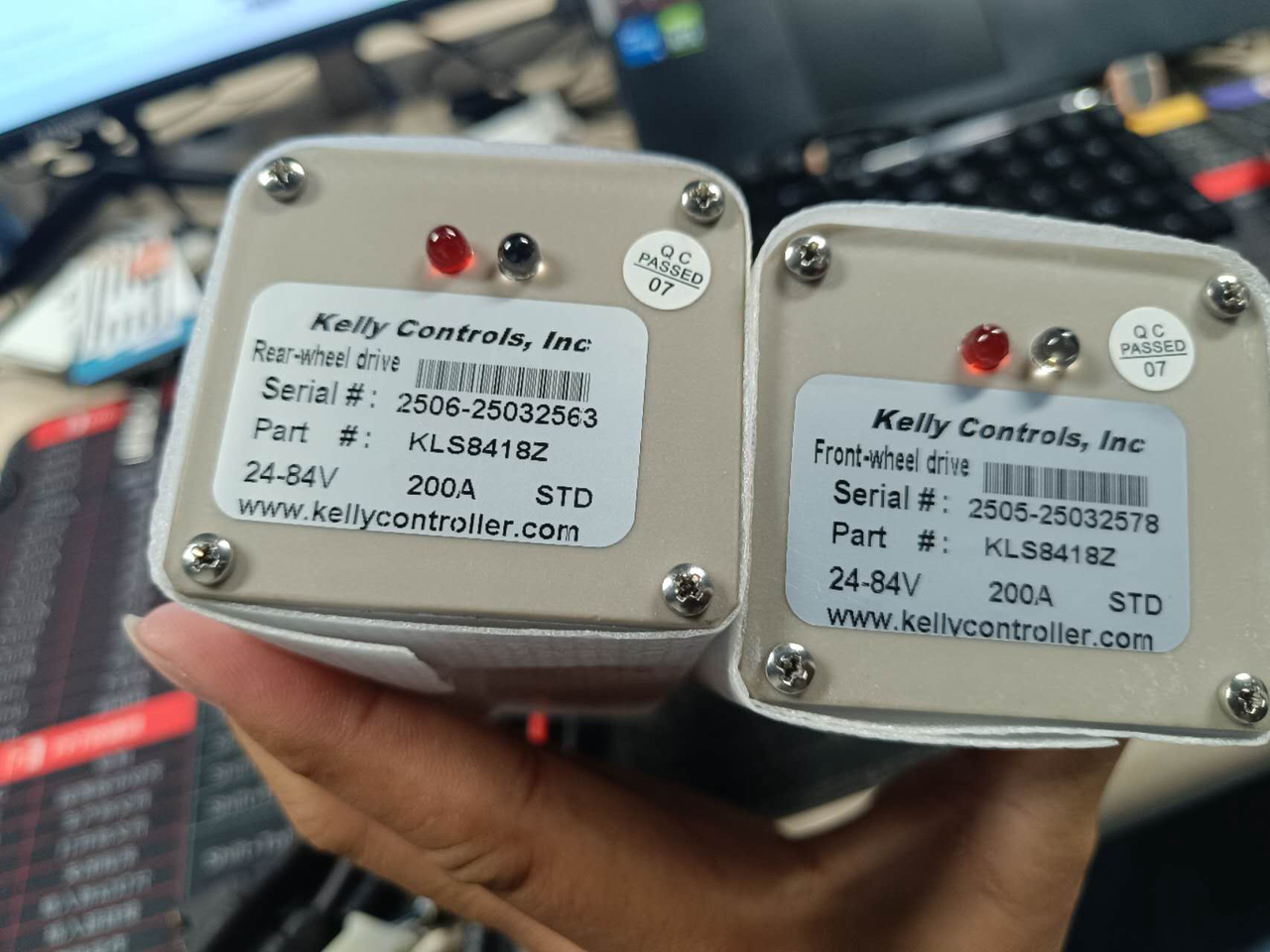
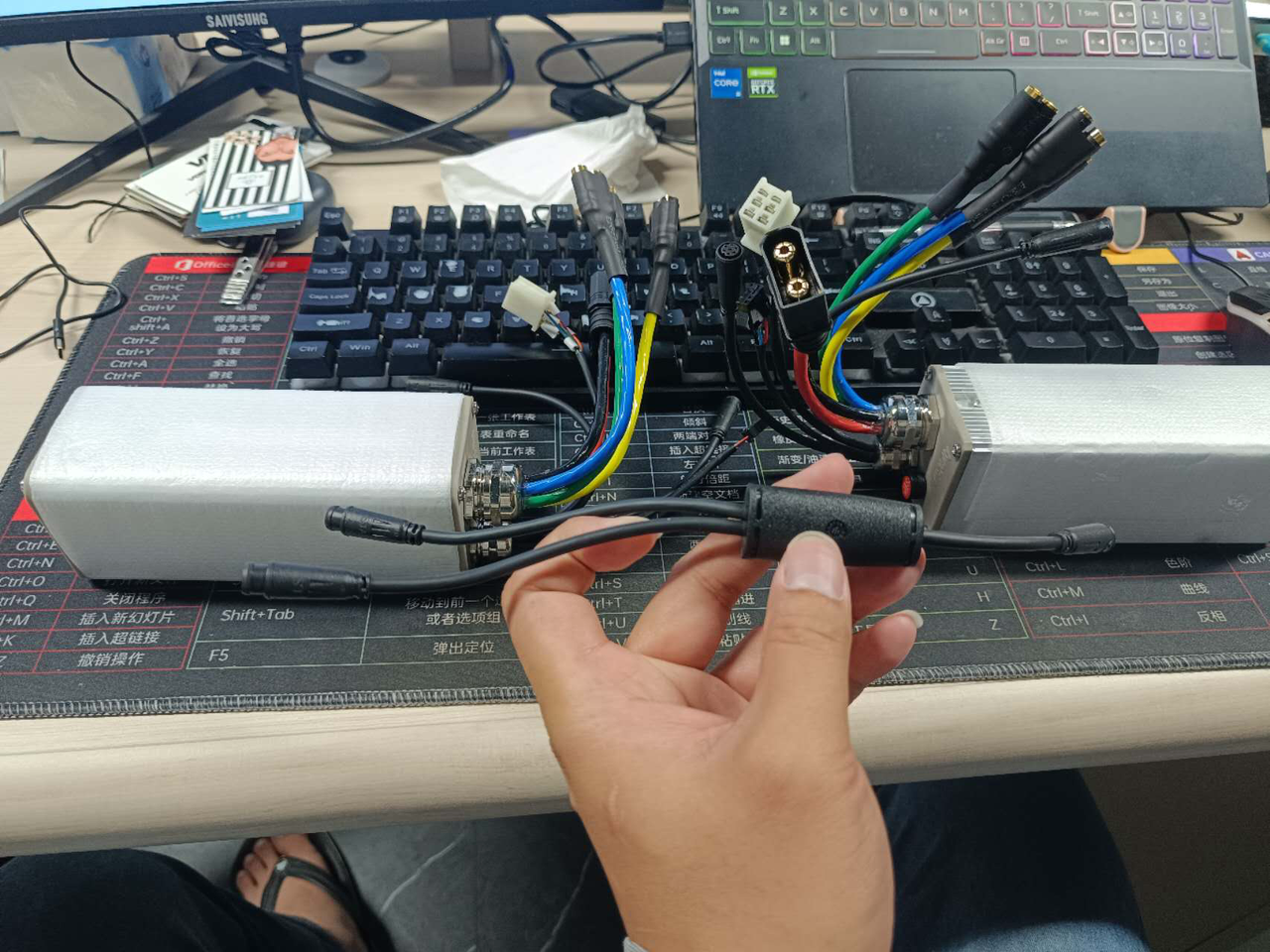
Step 1: Position the Controllers
Place the controllers inside the deck in the correct orientation:
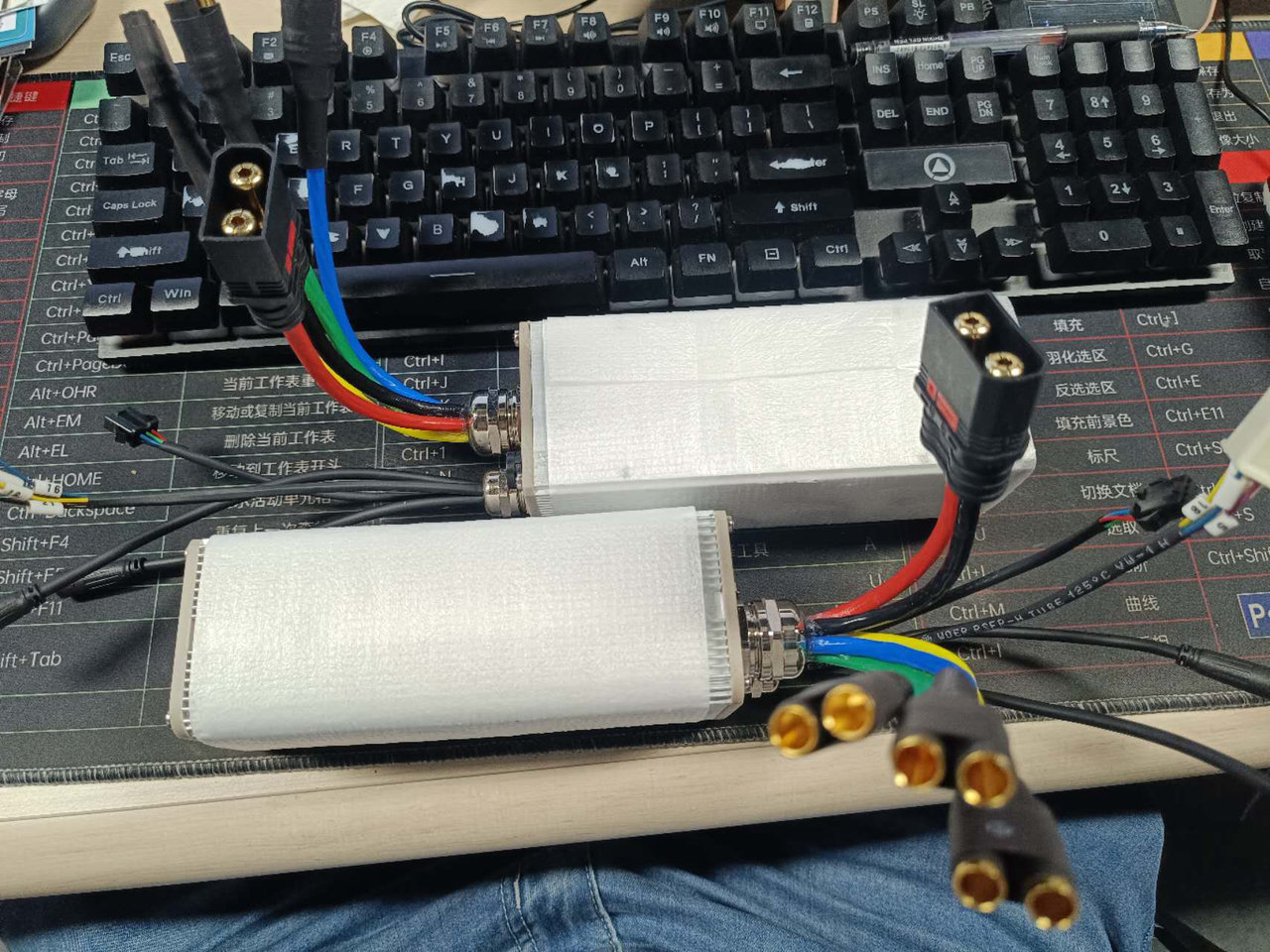
Step 2: Connect the Y-Splitter
Locate the small black 7-pin connector on both controllers.
Use the Y-splitter cable to connect both controllers together.
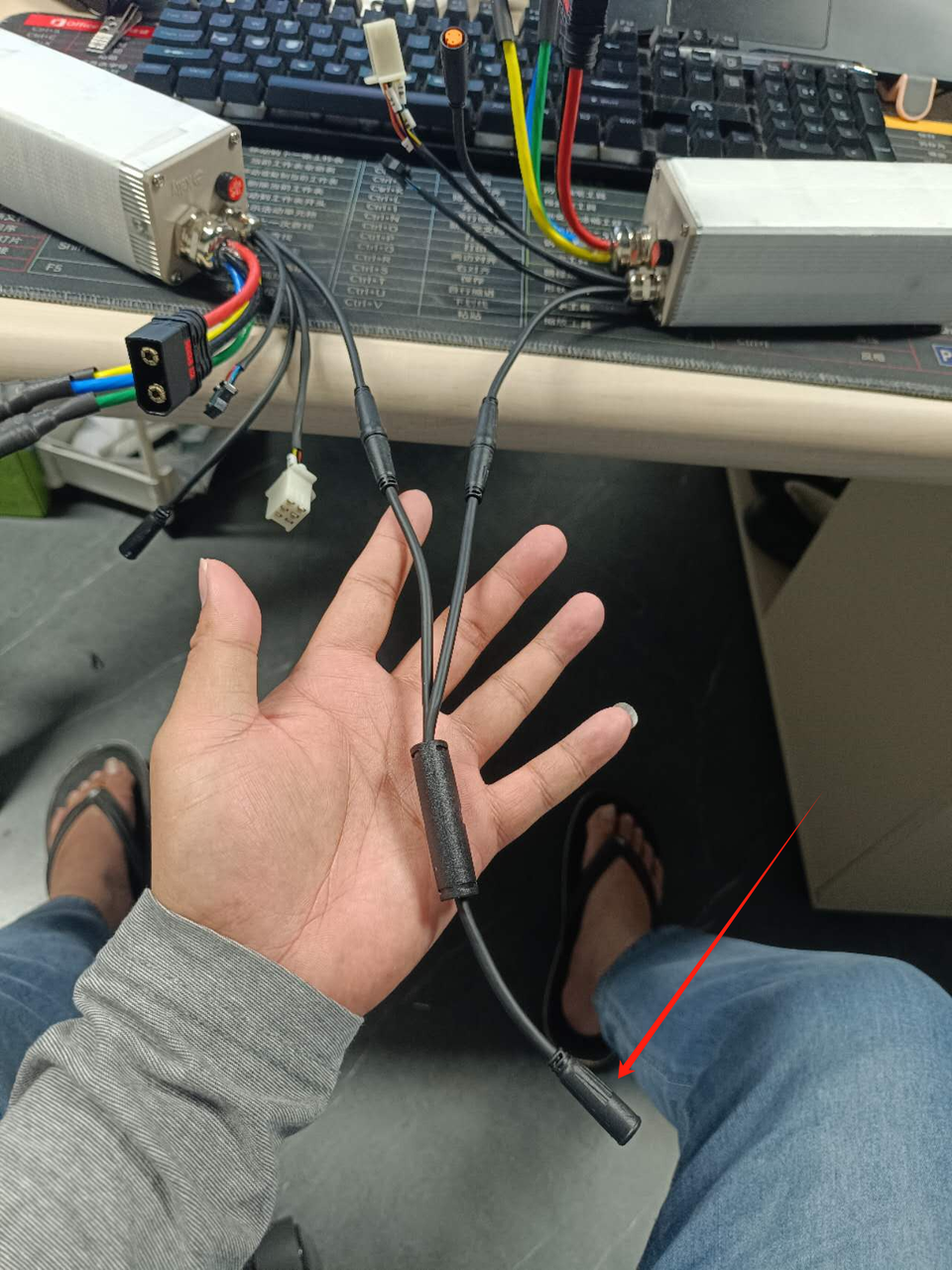
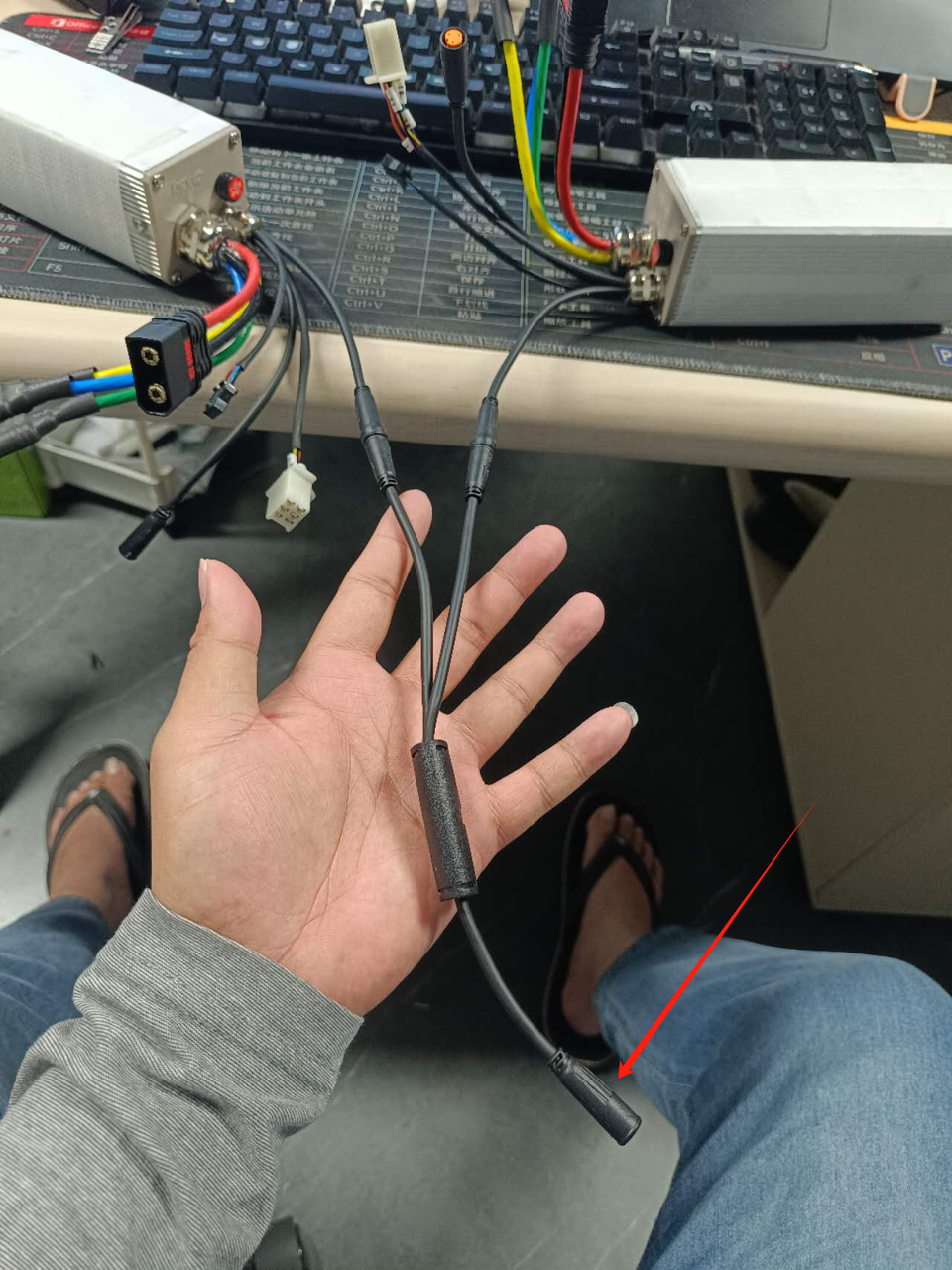
- Connect the other end of the Y-splitter to the main 7-pin connector.
Step 4: Ignore the 4-Pin SMT Connectors
These are not required for the Roadster installation.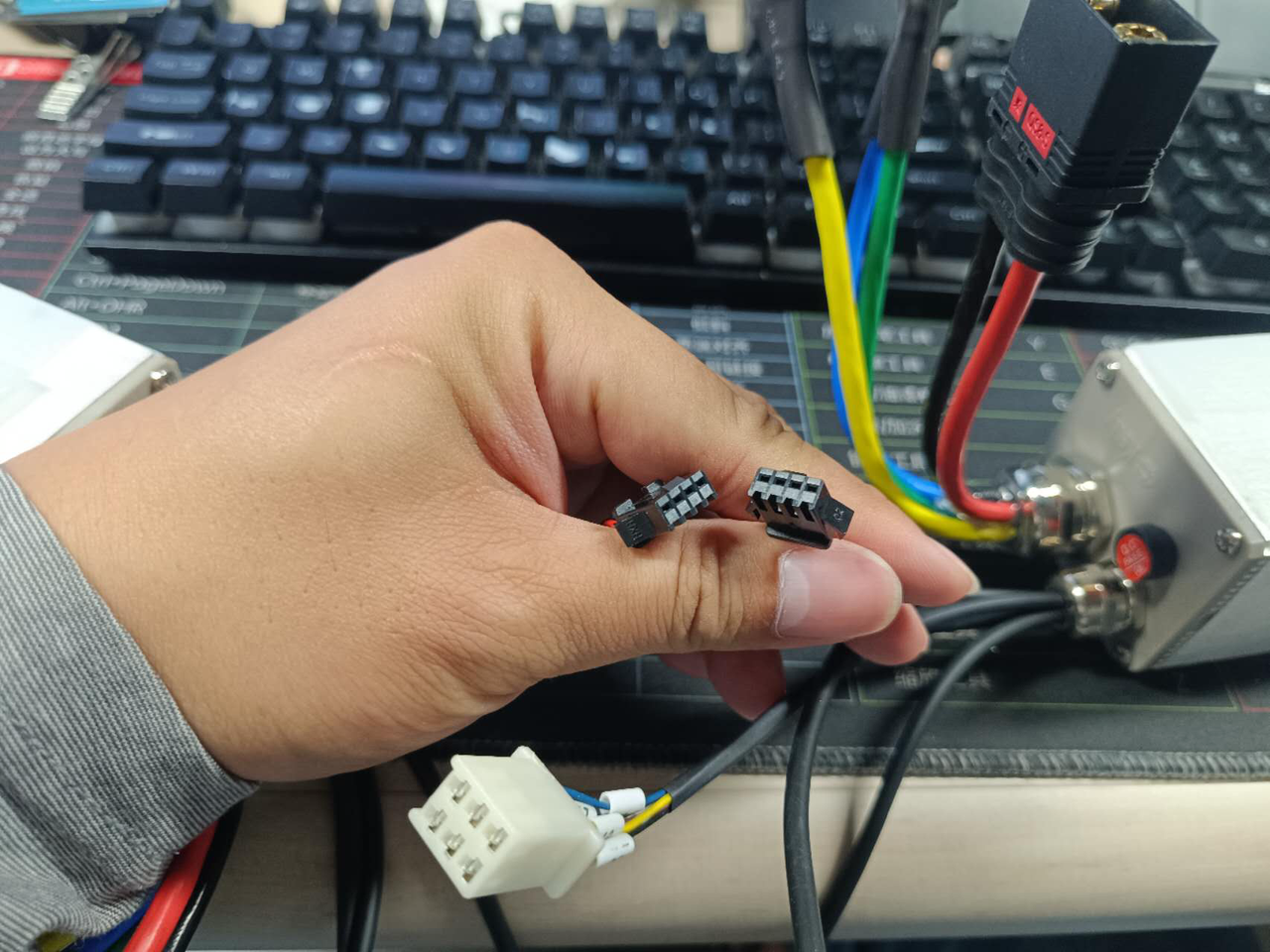
Step 5: Connect the Battery
Attach the battery connectors to the large black QS8 connectors.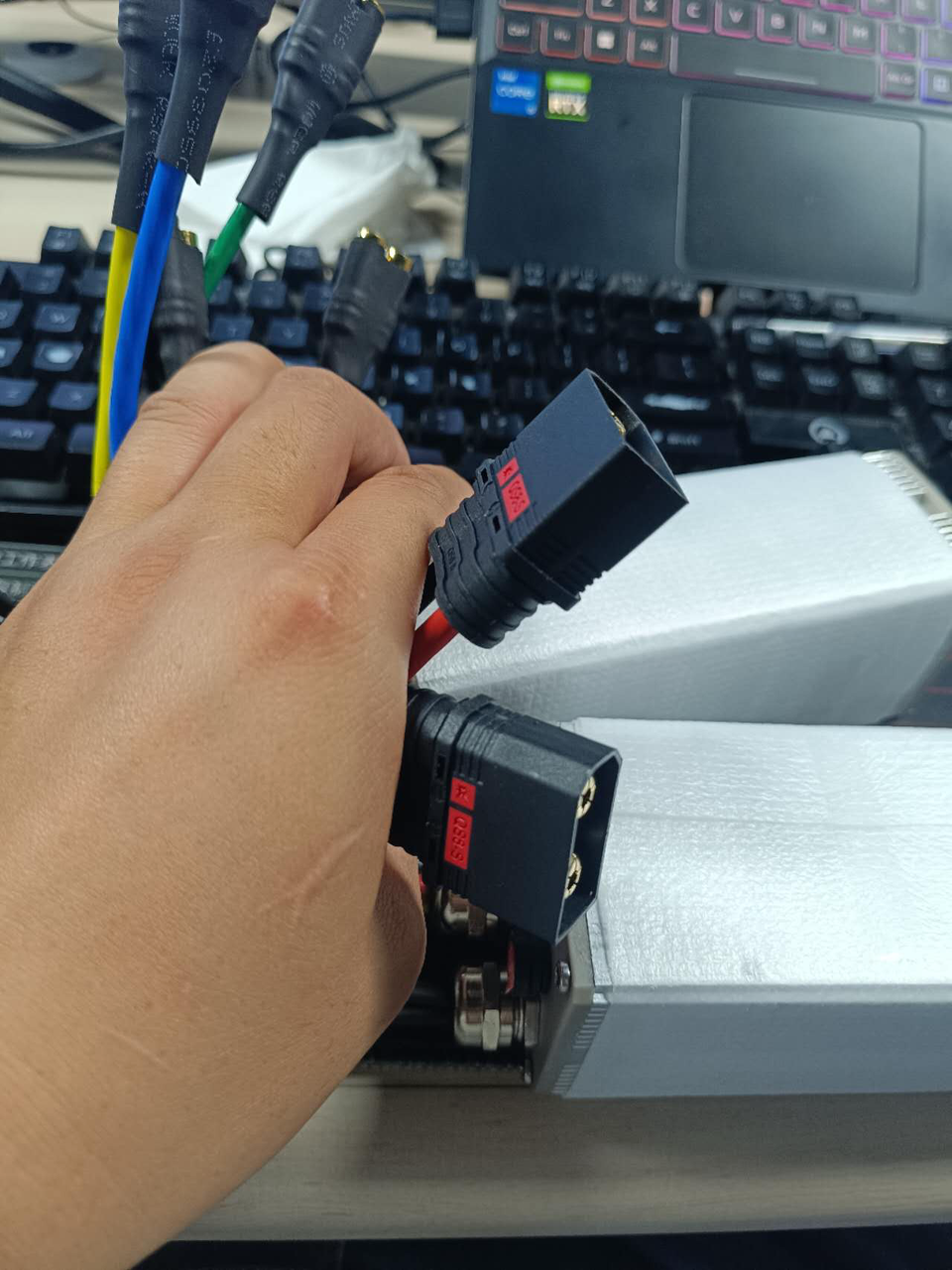
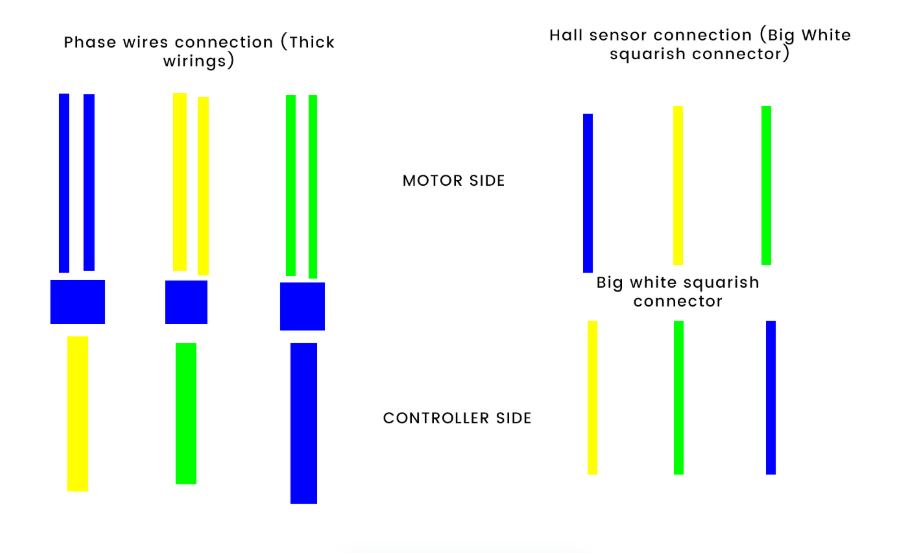
Step 6: Connect the Motor Hall Sensor
Plug the motor hall sensor into the large white 6-pin connector.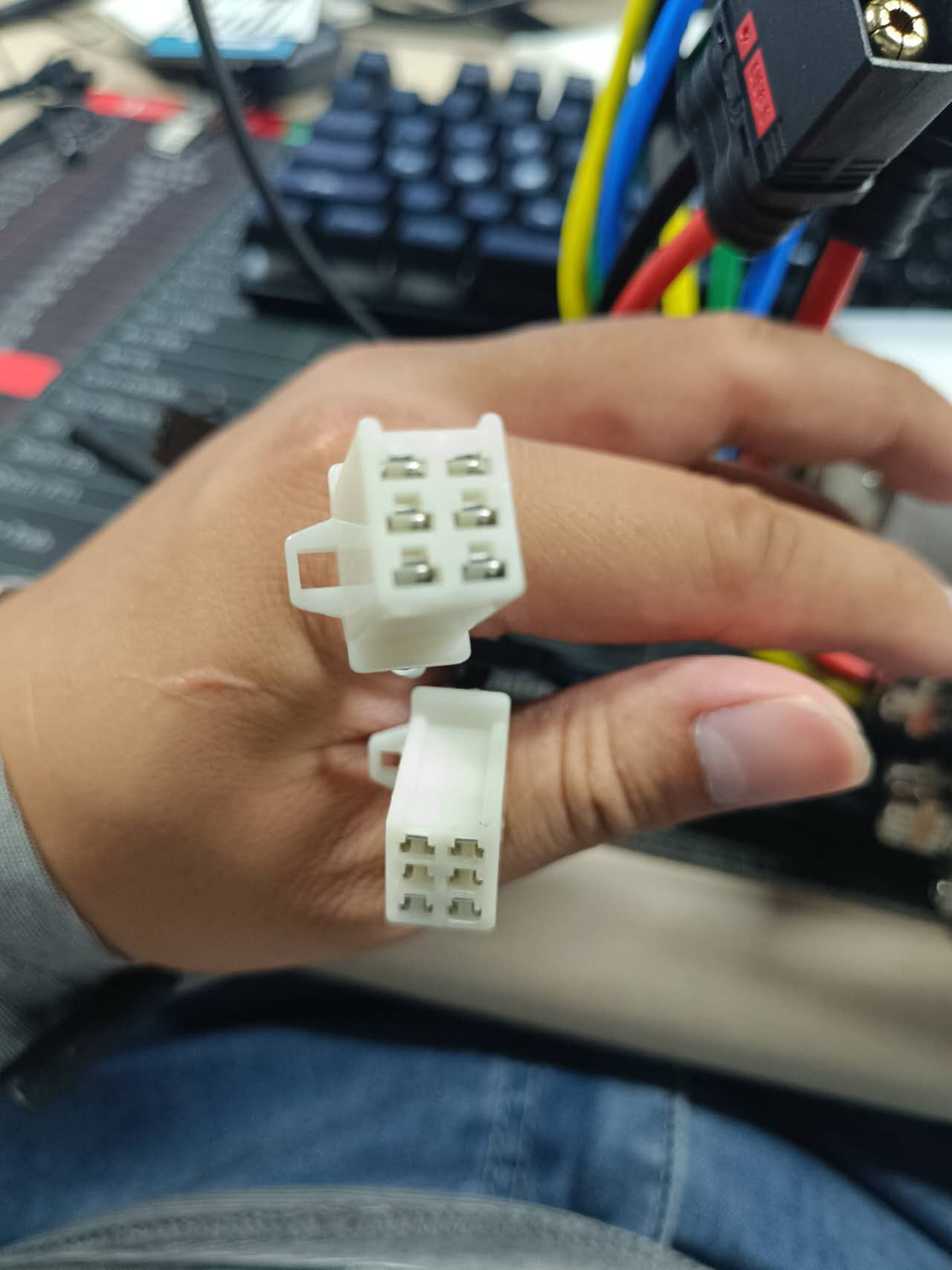
Step 7: Connect the Motor Phase Wires
Match the motor phase wires by color coding for proper alignment.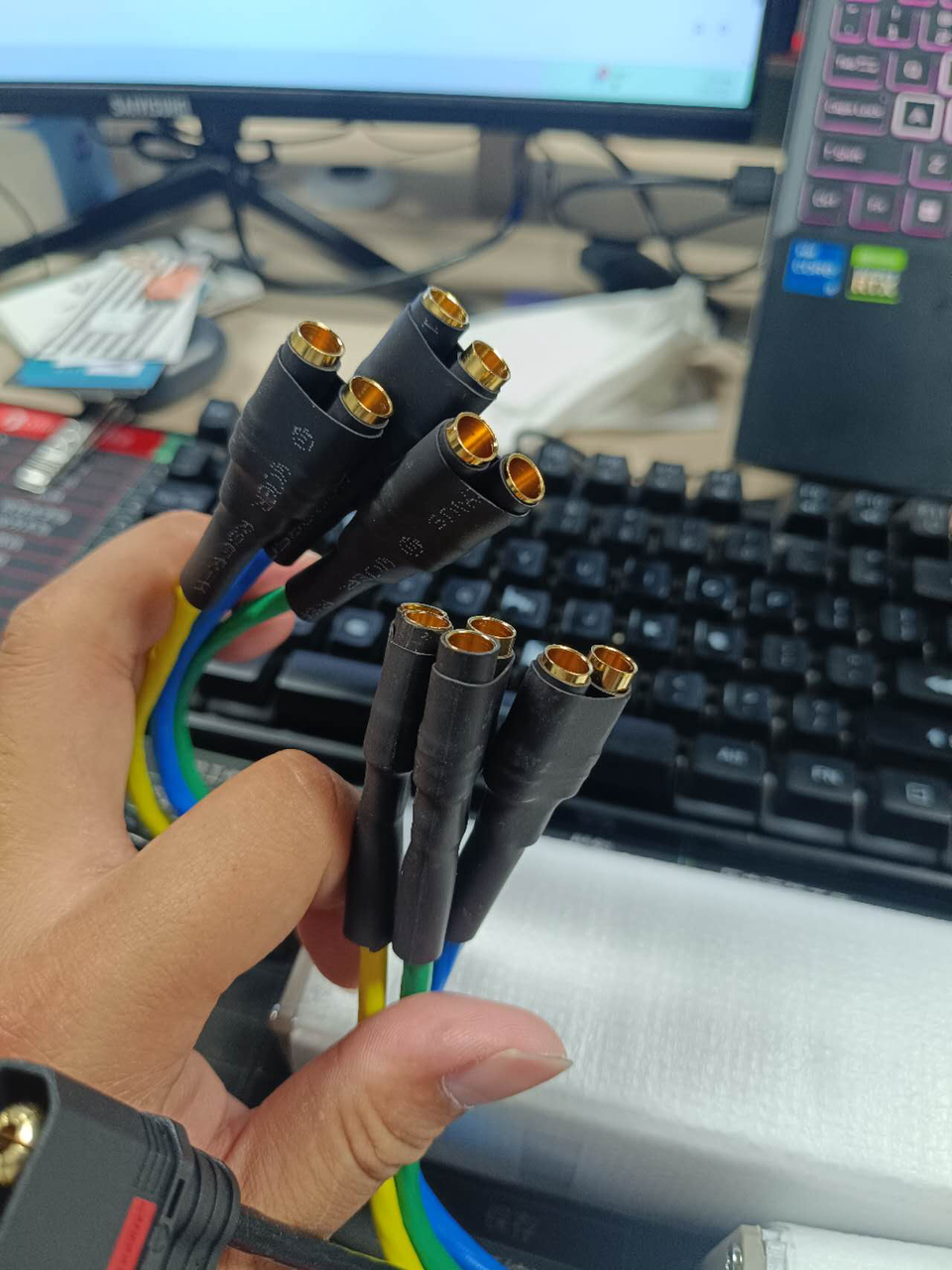
✅ Once everything is securely connected, your EMOVE Roadster dual controllers are properly installed and ready for use.