.png)
Cruiser v2- How to Fix MOTOR HALL SENSOR ERROR (Error Code 02)Updated 3 months ago
Issue Overview
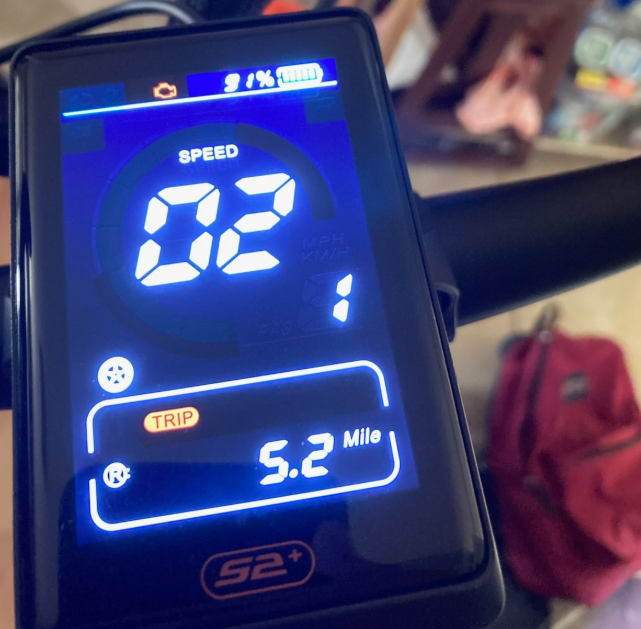
If your Emove Cruiser V2 displays Error Code 02 along with the motor icon, it indicates a possible issue with the motor hall sensor. In most cases, the scooter still operates normally, but the error should be addressed to avoid future performance problems.
Resolution Steps
Power Off the Scooter
Ensure the scooter is completely turned off before starting.
Locate the Plug-and-Play Area
Find the hall sensor connector, usually near the motor or controller area.
.png)
Unplug the Connector
Hold the connector firmly and carefully unplug it from the socket. Avoid pulling directly on the wires.
Inspect the Prongs
Check the connector prongs for dirt, corrosion, or damage.
Clean gently if necessary.
Reinsert the Connector
Align the arrows or markers on the connectors.
Plug it back in securely until it is fully seated.
.png)
Power On the Scooter
Turn the scooter back on and check if the error message clears.
Verify Operation
Confirm the scooter rides normally and that Error Code 02 no longer appears.
Cruiser V2 Error codes:Cruiser V2 videos:https://portals.wetransfer.com/portals/a6a5626b-091f-4552-aac4-4c3055d6ed38
Additional Notes on Error Codes
Dual Motor Display Issue
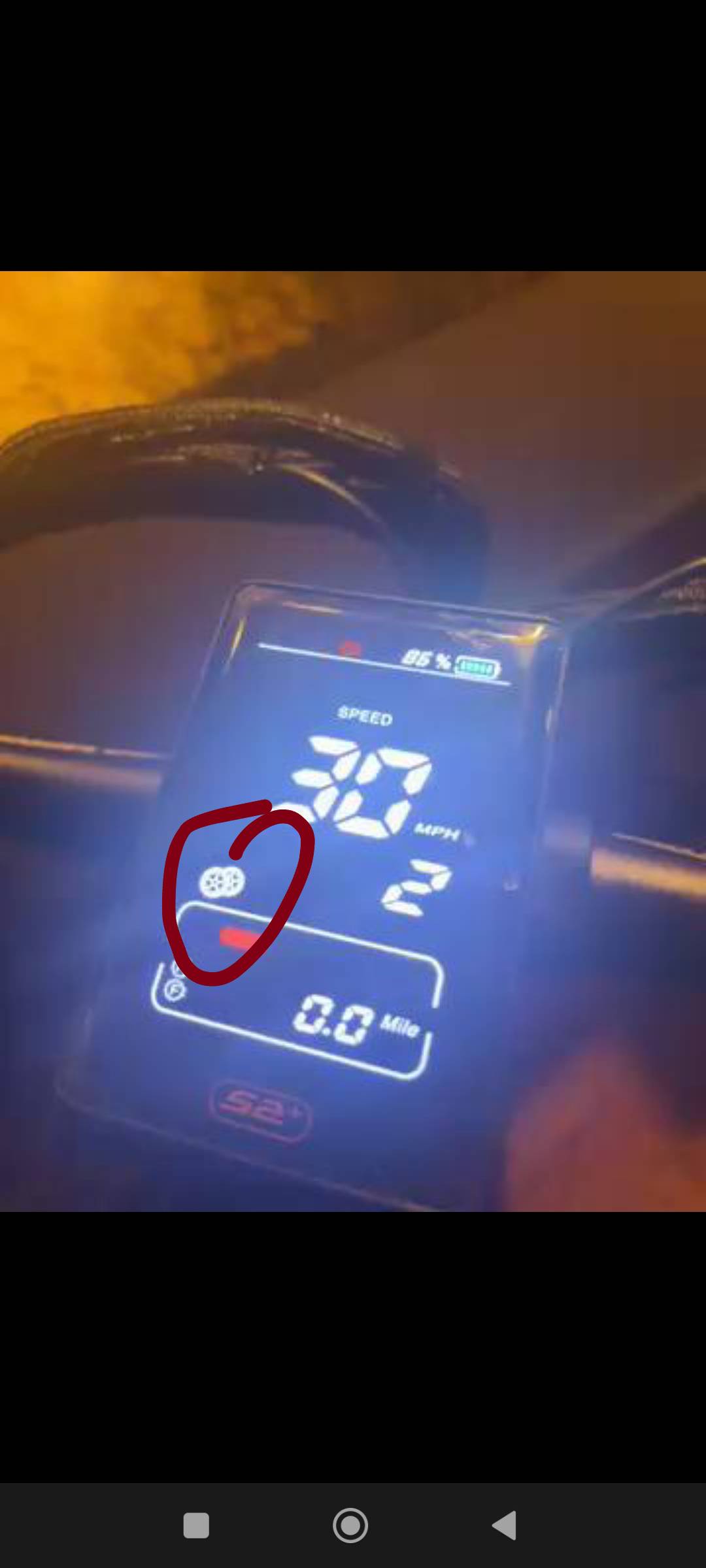
If your Cruiser V2 is a single motor model but the display shows two wheels, it may trigger Error Code 30 or 6.
Solution:
Enter P Settings.
Go to AA setting and set it to 1 (single motor mode).
Power off the display, then turn it on again.